Built for chambers & clinics in the world
SmartPatient
Management, Simplified
Patients, appointments, AI-drafted clinical notes and printable prescriptions — in one secure cloud workspace for every doctor and clinic.
7-day free trial · No card needed · Pay later by bKash/bank, recorded manually
বাংলা & English
Notes, advice and patient names in either script
BMDC-ready pads
Registration number, degrees and chamber on every print
Works on any phone
No app to install — a browser is enough
Chamber or clinic
One doctor or a whole team, each clinic kept separate
How it works
One visit, start to finish
The same four steps you already follow — without the register book, the loose papers or retyping.
- 01
Patient arrives
Book ahead or add a walk-in. Check-in gives a serial number and the waiting room updates live.
- 02
You consult
Confirm identity, see allergies and vitals at a glance. Optionally record — AI drafts the note for you to review.
- 03
You prescribe
Search medicines, get allergy and duplicate warnings, approve, then print on your own pad or share a PDF.
- 04
They come back
Set a follow-up date and book it. Appointment reminders go out by SMS, and overdue follow-ups show up on your list.
Everything a chamber needs, nothing it doesn't
Designed with doctors who see 40+ patients an evening.
Longitudinal patient records
Every visit, vital, allergy and document on one day-by-day timeline with stable patient IDs.
AI clinical notes
Record the consultation in Bangla or English — get an editable transcript and a structured draft you review.
Prescriptions that print right
Voice-search the medicine catalog, run safety checks, approve, and print on your own pad layout.
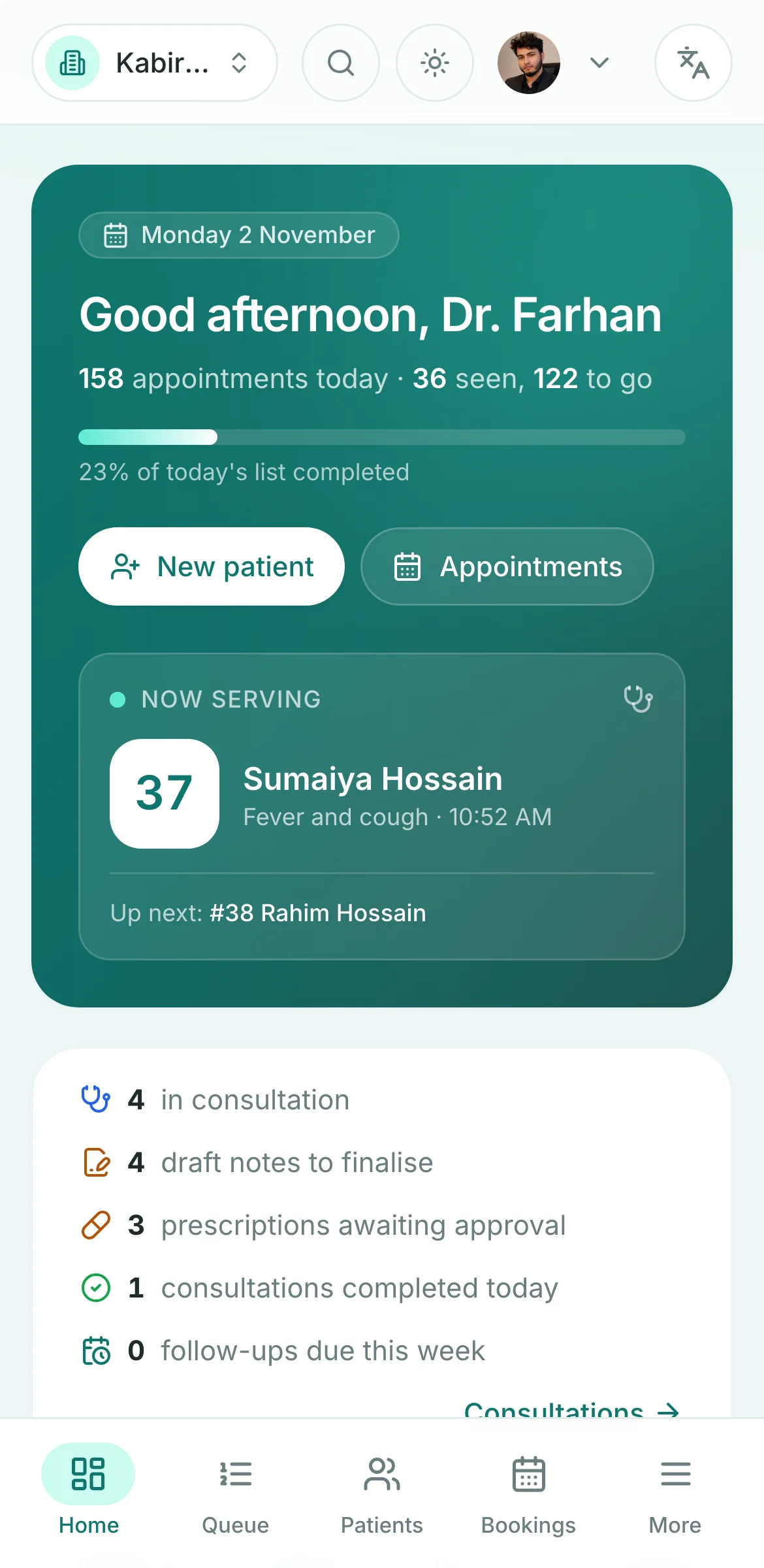
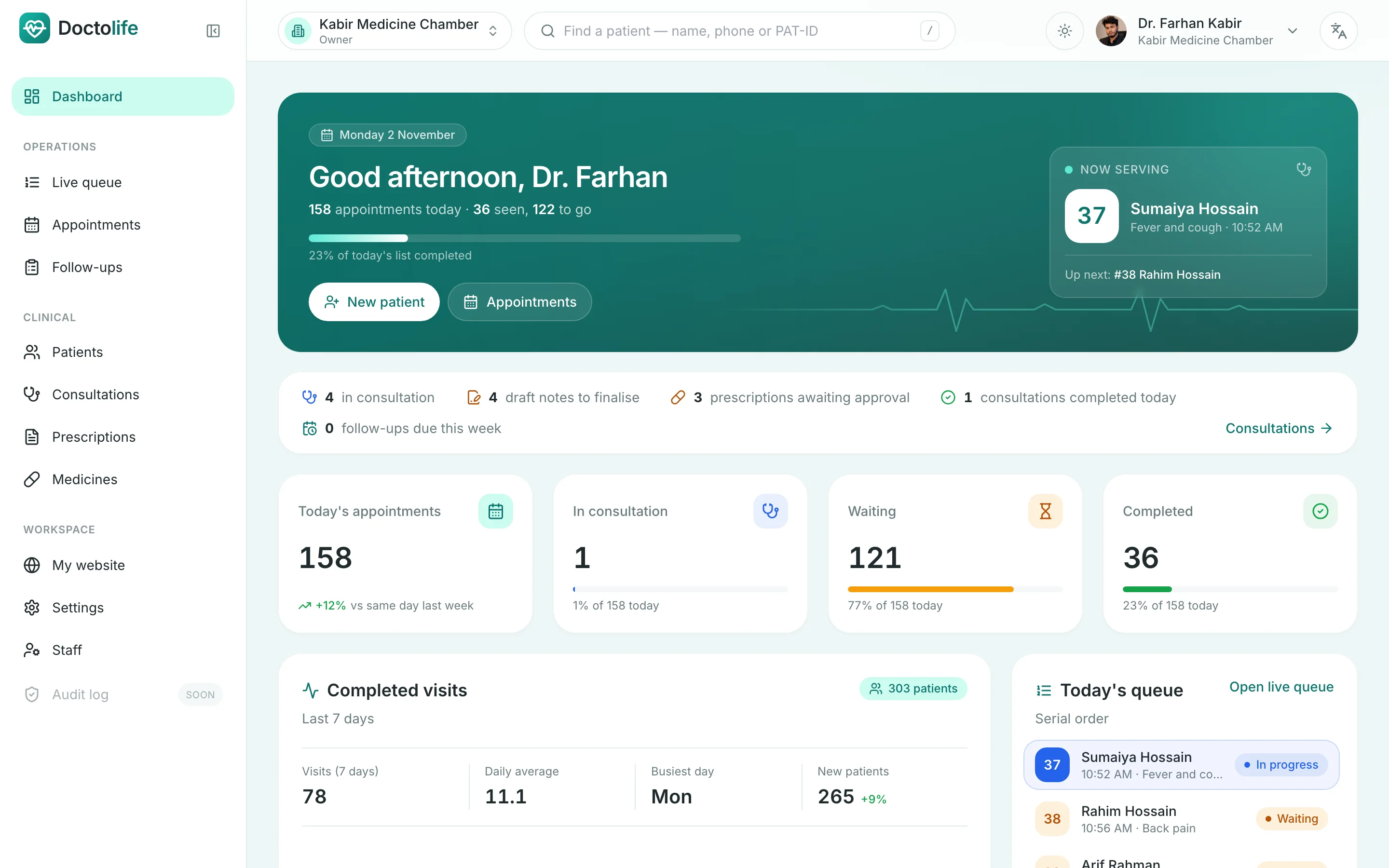
Appointments & queue
Serial numbers, check-in, live waiting list and SMS follow-up reminders for your chamber.
Private by design
Every clinic is an isolated workspace with role-based access and a full audit trail.
বাংলা & English
Interface, prescriptions and patient instructions in the language your patients read.
A closer look
Built around the consultation
Illustrations below use sample data.
AI clinical notes
Talk to your patient. The note drafts itself.
With the patient's consent, record the conversation in Bangla, English or both. You get a transcript and a structured draft — and nothing enters the record until you've reviewed it.
- Consent recorded before every recording, and can be withdrawn
- Each draft section shows where it came from and flags anything uncertain
- Audio deleted automatically after 30 days
- Optional — you can always type the note yourself
Prescriptions
Safer prescriptions, printed on your own pad
Search the medicine list by brand or generic, set doses the way you write them (1+0+1), and let the checks catch what's easy to miss on a busy evening.
- Warnings for recorded allergies and duplicate ingredients
- Approval step — drafts can never be printed as final
- Design your pad: header, logo, signature, Bangla advice
- Every approved version kept; amendments need a reason
Patient records
The whole history on one screen
Vitals with trends, conditions, medicines, lab results, documents and past visits — on a single day-by-day timeline that follows the patient for years.
- Allergies shown as a red alert wherever the patient is open
- Abnormal lab values highlighted against reference ranges
- Upload reports and X-rays from your phone
- Duplicate registrations detected and mergeable
Who it's for
Made for the way chambers really run
Doctors in their own chamber
Evening chamber with 30–50 patients? Serial list, notes and prescriptions in one place, on a laptop or a phone.
- Live queue & walk-ins
- AI-drafted notes
- Your own prescription pad
Clinics with several doctors
Each doctor keeps their own consultations and prescriptions; the clinic shares patient records safely.
- Shared patient records
- Each doctor approves their own prescriptions
- Staff roles & audit trail
Receptionists & assistants
Front-desk staff register patients, book, check in and record vitals — without seeing clinical notes.
- Book & check in
- Record vitals
- No access to diagnoses or notes
Privacy & safety
Patient data deserves better than a register book
Medical records are sensitive. These protections are built in, not add-ons.
Every clinic is separate
Each workspace is isolated — one clinic can never see another's patients.
Role-based access
Receptionists see demographics, not diagnoses. Only prescribers can approve prescriptions.
Full audit trail
Logins, record changes, approvals and AI decisions are logged with who and when.
Records are never overwritten
Finalised notes and approved prescriptions are kept as versions; changes need a reason.
AI only with consent
Recording needs the patient's consent and goes only to AI providers that don't store or train on it.
Audio doesn't linger
Recordings are deleted after 30 days — or right away, if you choose.
Doctolife supports your clinical work — it never diagnoses or decides treatment. Every note and prescription is reviewed and approved by the doctor.
Simple, honest pricing
In Taka, billed manually — no card and no online checkout.
FAQ
Questions doctors ask us
Do I need to install anything?
No. Doctolife runs in the browser on a laptop, tablet or phone. Sign up with your mobile number and you can register your first patient in minutes.
Can I use it in Bangla?
Yes. Switch the language to বাংলা at the top of any page. Patient names, notes, advice and prescriptions can be written in Bangla, English or a mix, and the AI scribe understands mixed conversations.
Is the AI scribe required?
No — it's optional. Many doctors type their notes as usual. When you do use it, the patient must agree first, and the draft is only added to the note after you review and accept it.
Can my receptionist use it too?
Yes. Invite staff by phone number. Receptionists can register patients, book, check in and record vitals, but can't read clinical notes, diagnoses or prescriptions.
Can I print on my existing prescription pad?
Yes. Design your own layout — header, degrees, BMDC number, chamber address, logo, signature and footer — and print or save it as a PDF.
How do I pay?
Pay by bKash or bank transfer from the Billing page and submit your transaction ID. We check it and activate your plan. When the free trial ends, access stops until a payment is approved.
What happens to my data if I stop?
Your records are never silently deleted. If a plan lapses, you can still open existing records (read-only) while you renew.